
Operational Software for Real Business Bottlenecks
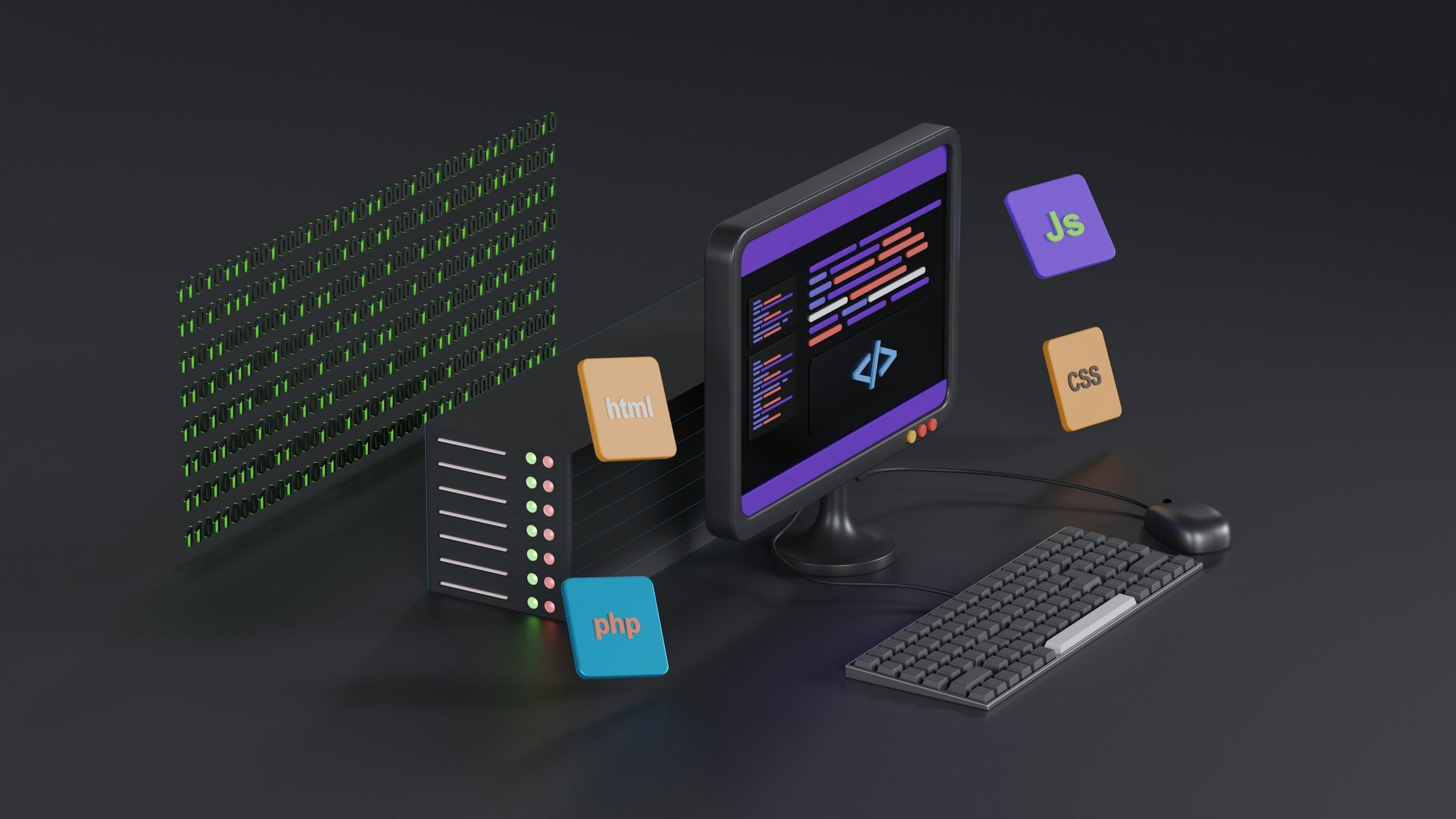
We help growing service businesses eliminate recurring friction in lead handling, quoting, job delivery, customer communication, and management reporting.
Sometimes that means improving an existing platform. Sometimes it means connecting several tools. Sometimes it means building a focused system around a workflow existing software cannot support.
What We Build
-
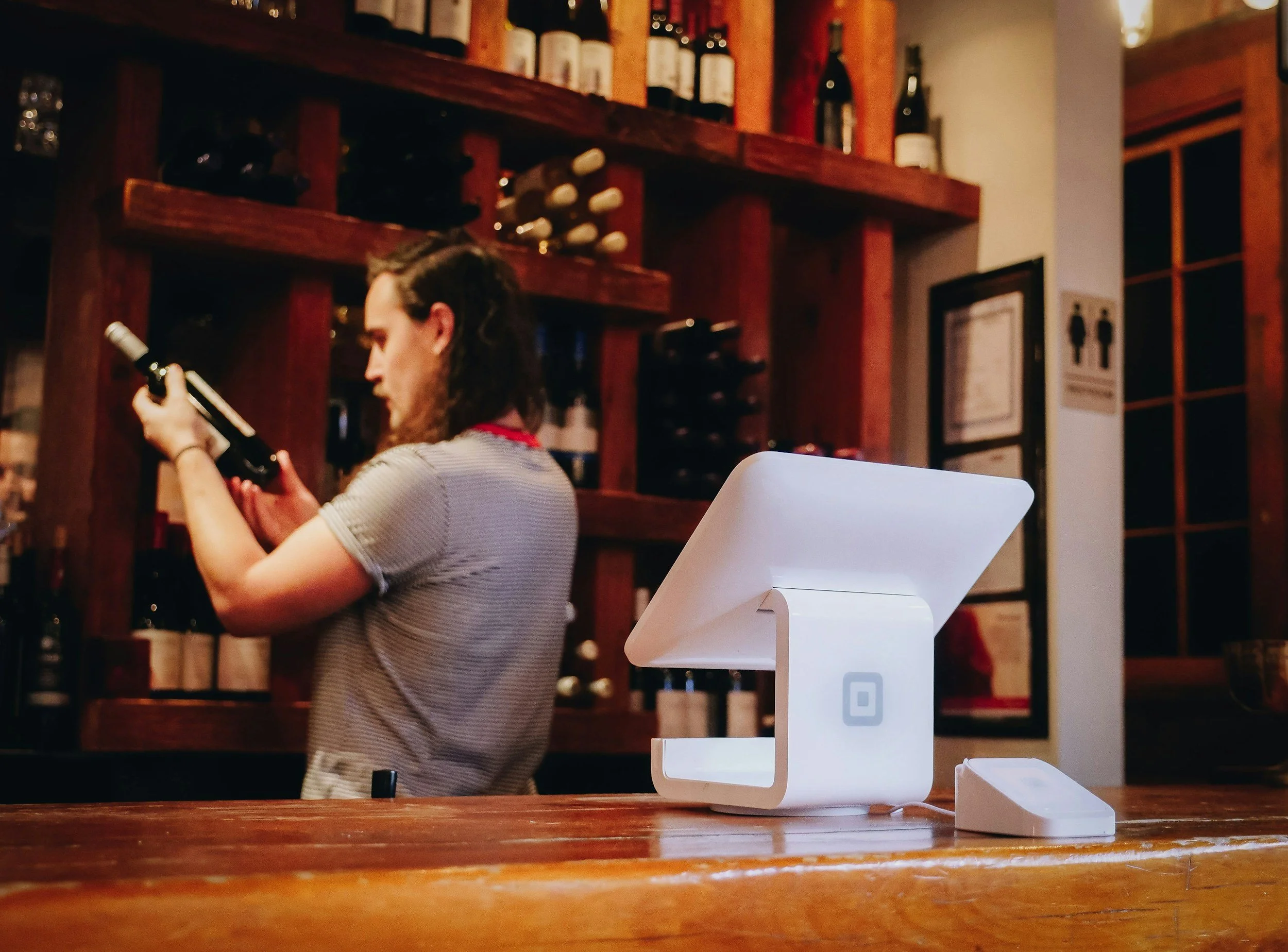
A. Lead & Sales Systems
Capture leads, route inquiries, automate follow-up, and reduce missed opportunities.
Examples:
· Web forms
· Lead routing
· CRM workflows
· Quote request flows
· Automated reminders
-
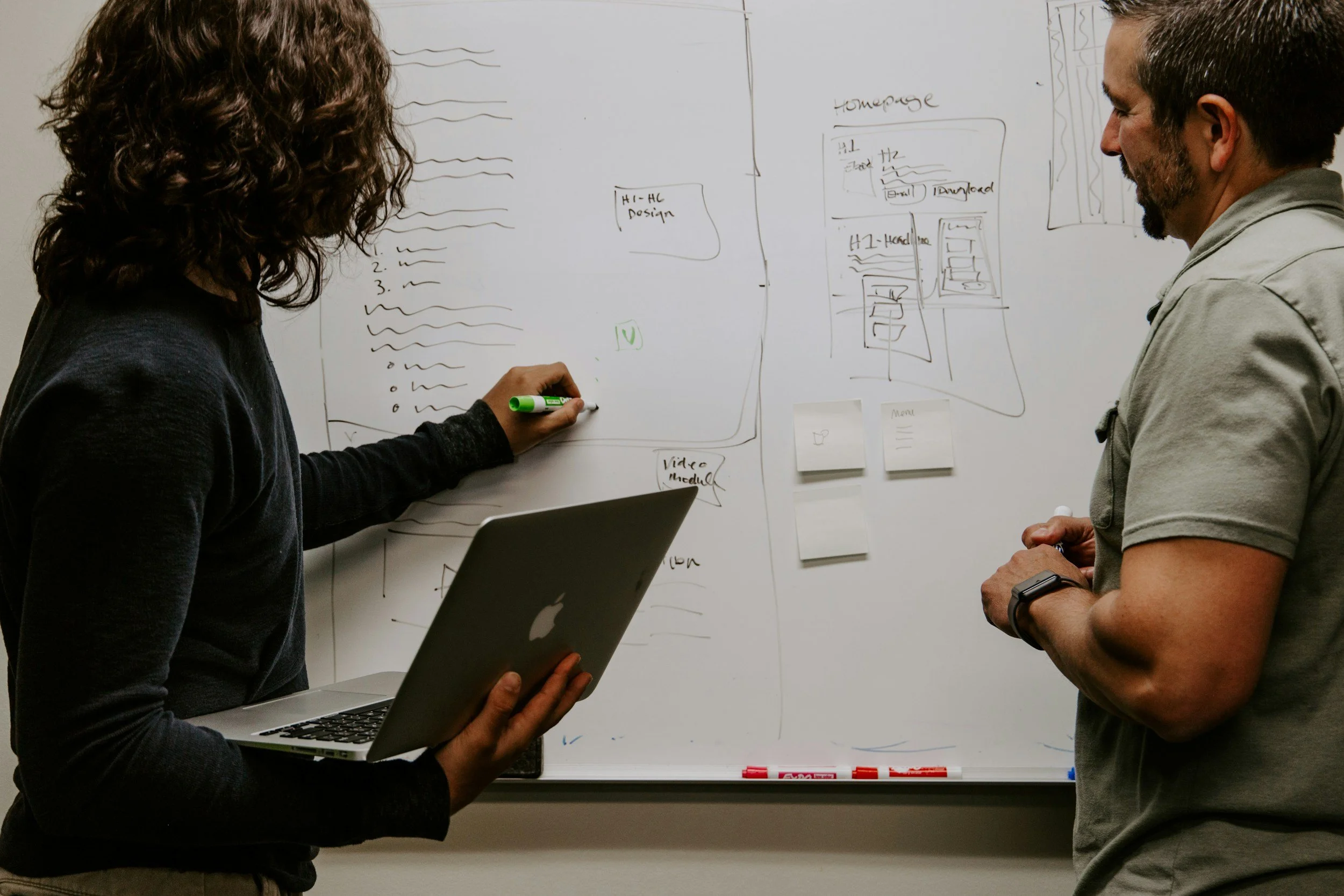
B. Job & Operations Systems
Move jobs from intake to completion with more structure and less chaos.
Examples:
· Job tracking
· Scheduling logic
· Dispatch boards
· Team task flow
· Service status dashboards
-

C. Customer Experience Systems
Make it easier for customers to get information, approve work, and stay informed.
Examples:
· Client portals
· Appointment notifications
· Update flows
· Service communication automations
-
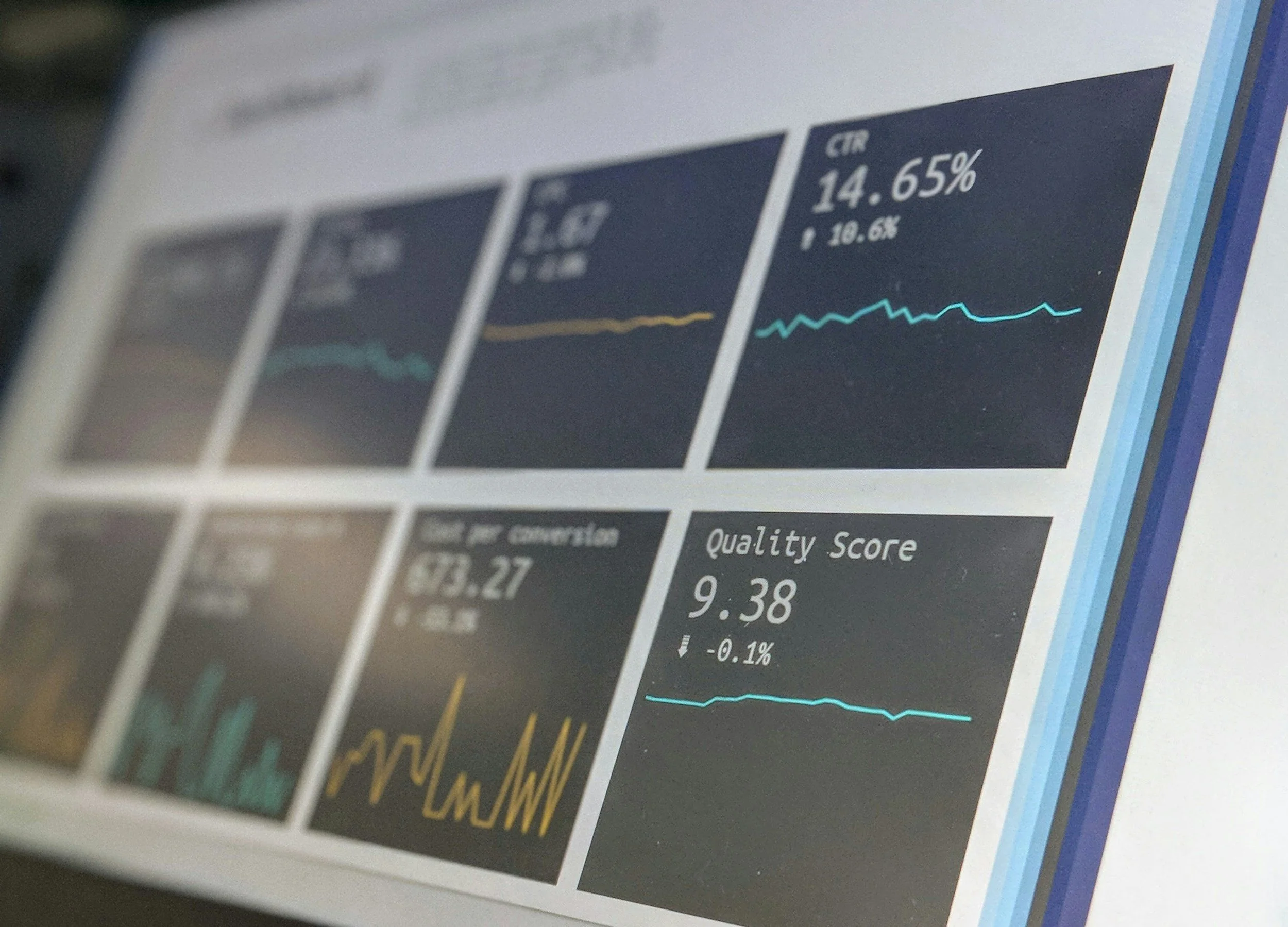
D. Management & Visibility Systems
Give owners and managers clearer insight into what is happening in the business.
Examples:
· Performance dashboards
· Pipeline visibility
· Service metrics
· Operational reporting tools
-

E. Connected Systems & Automation
Bridge disconnected tools so the business runs with fewer manual handoffs.
Examples:
· CRM-to-invoice workflows
· Booking-to-job workflows
· Internal notifications
· Data syncing

Not Every Problem Needs a Giant Build
Some businesses need a focused internal tool. Some need a lightweight customer-facing portal. Some need automation between existing systems. Some need a more customized operational backbone.
Our job is to recommend the right level of software for the problem.
Three Ways to Work With Logica Softworks


The Best Systems Feel Practical, Not Complicated
A good solution should help the team work better without adding unnecessary complexity. That is why we aim for systems that are clear, useful, and grounded in daily operations.